
One visible action
What can a person understand and attempt without a tour of the entire product?
Independent mobile product journal
A guide to turning a broad product thought into a more specific human moment, visible next action and learnable question. It does not provide development services, downloadable software or performance promises.
Enter the studio →
A studio position
Feature lists often make a product idea feel larger while making its purpose harder to see. The more useful starting point is a particular person, a particular moment and the smallest change the product might offer.
The workbench
What can a person understand and attempt without a tour of the entire product?

Where is the person, what is happening around them, and why now?

What might help the group understand whether the first path makes sense?
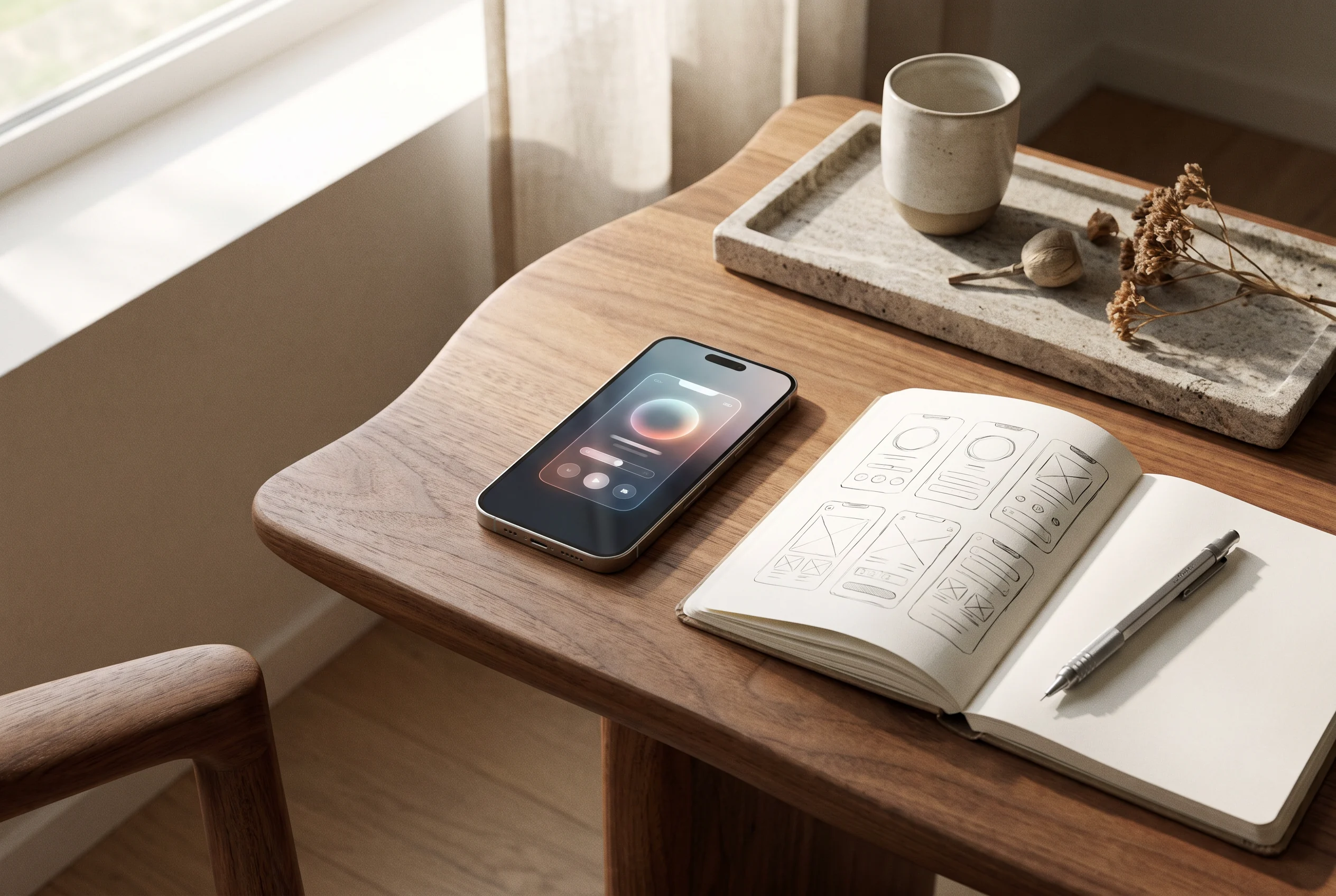
What should remain a question instead of becoming a claim too early?

Research without theatre
A polished prototype may help a conversation happen, but it does not prove a product is useful. Notice the language people use, the hesitation before a next step and the context that never appears in a tidy mock-up.
A decision matrix
Start with a broad inventory, then struggle to decide what belongs first.
Use a human situation to guide the first path and the next conversation.
Treat a first screen as if it needs to anticipate every later condition.
Let the initial flow be small enough to inspect, change and explain.
Product pulse
Can a person name what they are trying to do before the screen asks them to decide?
A field journal
Small product notes make it easier for a team to remember which question led to which decision. They can be plain, short and revisable.
Record the person, setting and intended change in ordinary language.
Keep a visible version of the path that is being discussed.
Write what people said and what the team still does not know.

A smaller promise
People often arrive with limited time, an interrupted thought or an incomplete picture of the task. A product can respect that reality by offering a clear, modest action and a reason to return later.
Workshop cards
Choose the person whose moment the team can describe with care.
Draw a path that can be understood without an explanatory deck.
Decide what response would make the next choice wiser.
A shared practice
Product, design, engineering and research do not need identical answers. They need a visible question and enough trust to explain the trade-offs around it.

Frequently asked questions
General contact
This local form is only for general website feedback. It is not a product-development enquiry. The placeholder contact route is [email protected].